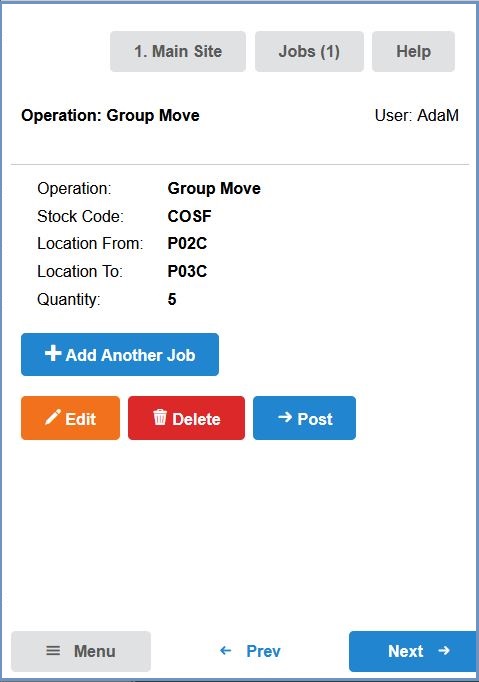
How To: Move stock between locations using New HHT
New HHT is not enabled by default. Training must be completed before using the HHT2 functionality. Please email Development for more information. Note: there will be additional costs involved if this option is enabled.
Log in to the HHT device.
Press the button.
Enter or Scan the source location from which the item(s) are to be moved and press the button:
Scan or enter the stock item to be moved into the stock code field. Note: The button can be used to check the items stored in the source location:
Enter the quantity of the item to be moved:
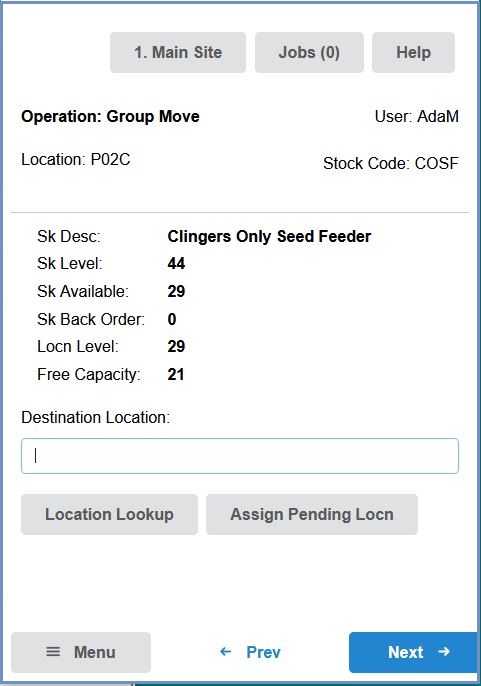
Scan or enter the destination location the item is to be moved to and press the button:
If there are any further items to be moved, press the button and repeat the above process.
When no further moves are to be added, press the button.

 button.
 button: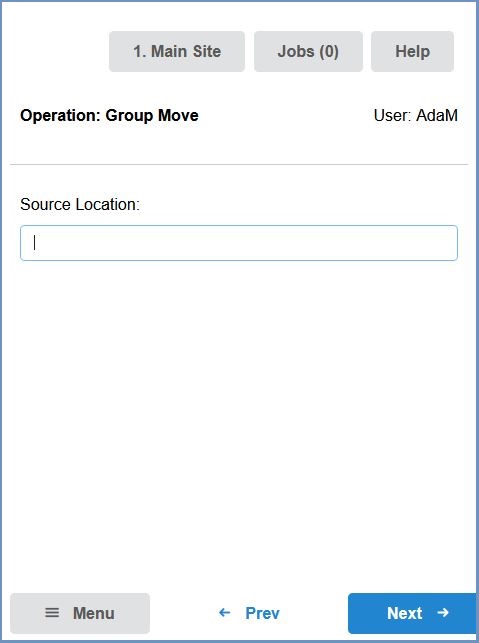
 button can be used to check the items stored in the source location: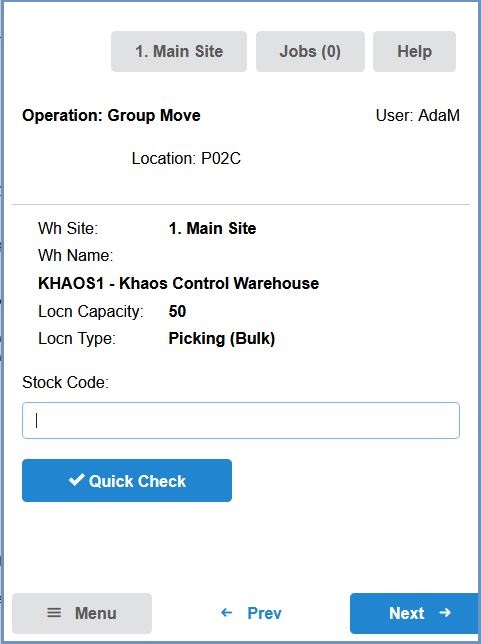
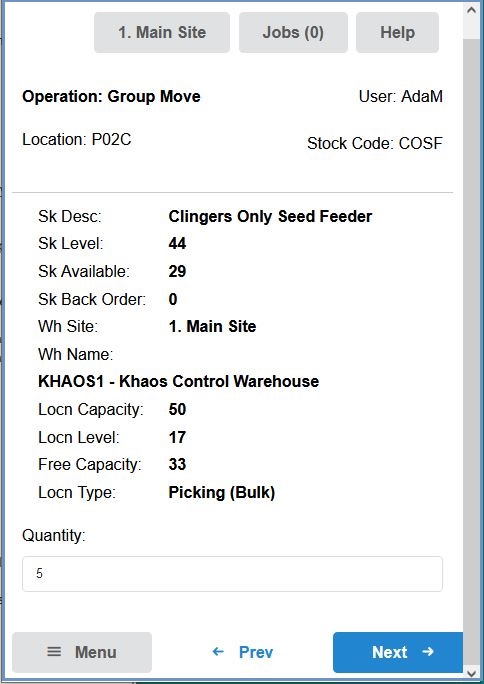
 button and repeat the above process.
  button.