
Sales Orders CRM Customer Note Tab
For the Other Action Menu options (press F9 or  ) see Sales Orders Other Actions Menu.
) see Sales Orders Other Actions Menu.The [ Sales Orders | Detail | CRM | Customer Note ] sub-tab is available from the [ Sales Orders | Detail | CRM ] tab along with the following tabs:
The sales order grid is common to all sales order detail tabs.
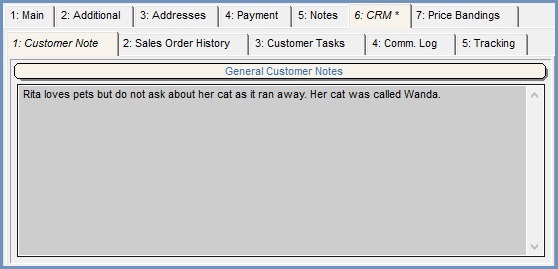
The [ Sales Orders | Detail | CRM | Customer Note ] sub-tab is a read-only, quick reference version of the note against the main customer record in the [ Customer | Detail | CRM | Free Text Notes ] screen. If the user double clicks within the General Customer Notes grid the system will ask whether they want to open the contents in the system notepad.
Note: an asterisk will appear in the CRM tab title when there are notes available to see.